Let your AI read feedback from Discord
Your best feedback is already written down. It is in your Discord, in the channel where users report the broken button and ask for the missing feature. The problem was never collecting it. The problem is reading it: nobody scrolls a busy channel every day, and no form captures what people say when they are just talking.
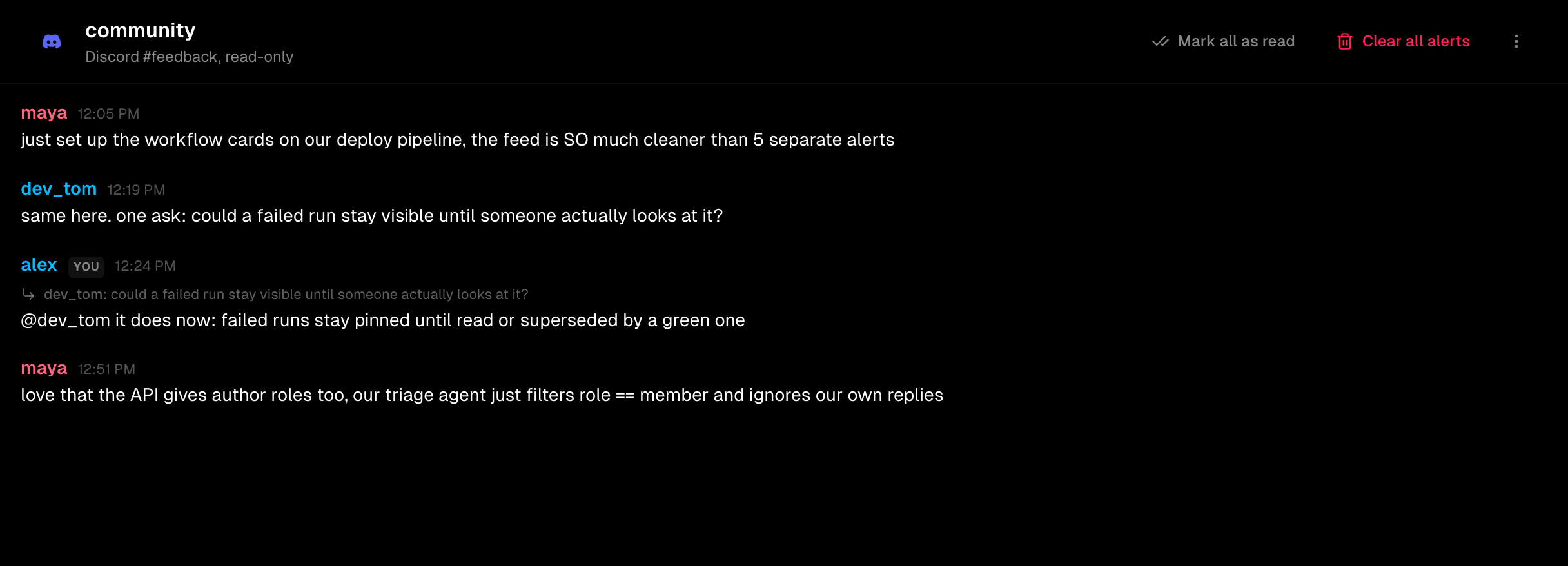
So connect the channel to Zenhook and let something else read it. Your AI asks for the channel over one HTTP call and gets the messages back structured: who wrote each one, what it was replying to, and whether it came from a member or from you.
What your AI receives
Every message carries a role. A member is real user feedback. The owner is you, running the server, so your own replies are not counted. A bot is a webhook. Your AI filters on one field.
the export button does nothing on Safari
a dark mode for the dashboard would be great
replying to devan
on it, thanks 🙏
v2.1.0 shipped
+1 for dark mode, my eyes thank you
Feedback in one call
curl -s "https://zenhook.dev/api/channels/feedback/alerts?limit=50" \
  -H "Authorization: Bearer zhk_..." \
  | jq '[.alerts[] | select(.author.role == "member")]'
That is the whole integration. No SDK, no bot to write. The key reads one channel and nothing else, and it can never post to your server.
See the full API referenceConnect a channel
- 1In Zenhook, add a channel and choose Connect a Discord channel.
- 2Add the Zenhook bot to your server. It asks for read permissions only: it can never post.
- 3Pick the channel. Its messages appear in Zenhook, and your AI can read them through the API.
It stays quiet until it matters
A busy community would flood your phone, so a connected channel is silent by default. Add a word like crash or refund and only the messages that match reach you, as a normal alert. Everything else just sits there, readable, waiting for your AI.
Read only, by design
Zenhook is invited with two Discord permissions: view channels and read message history. There is no code path that can post. It reads your community, it never speaks for you in it.
Free to start. One channel, no card.