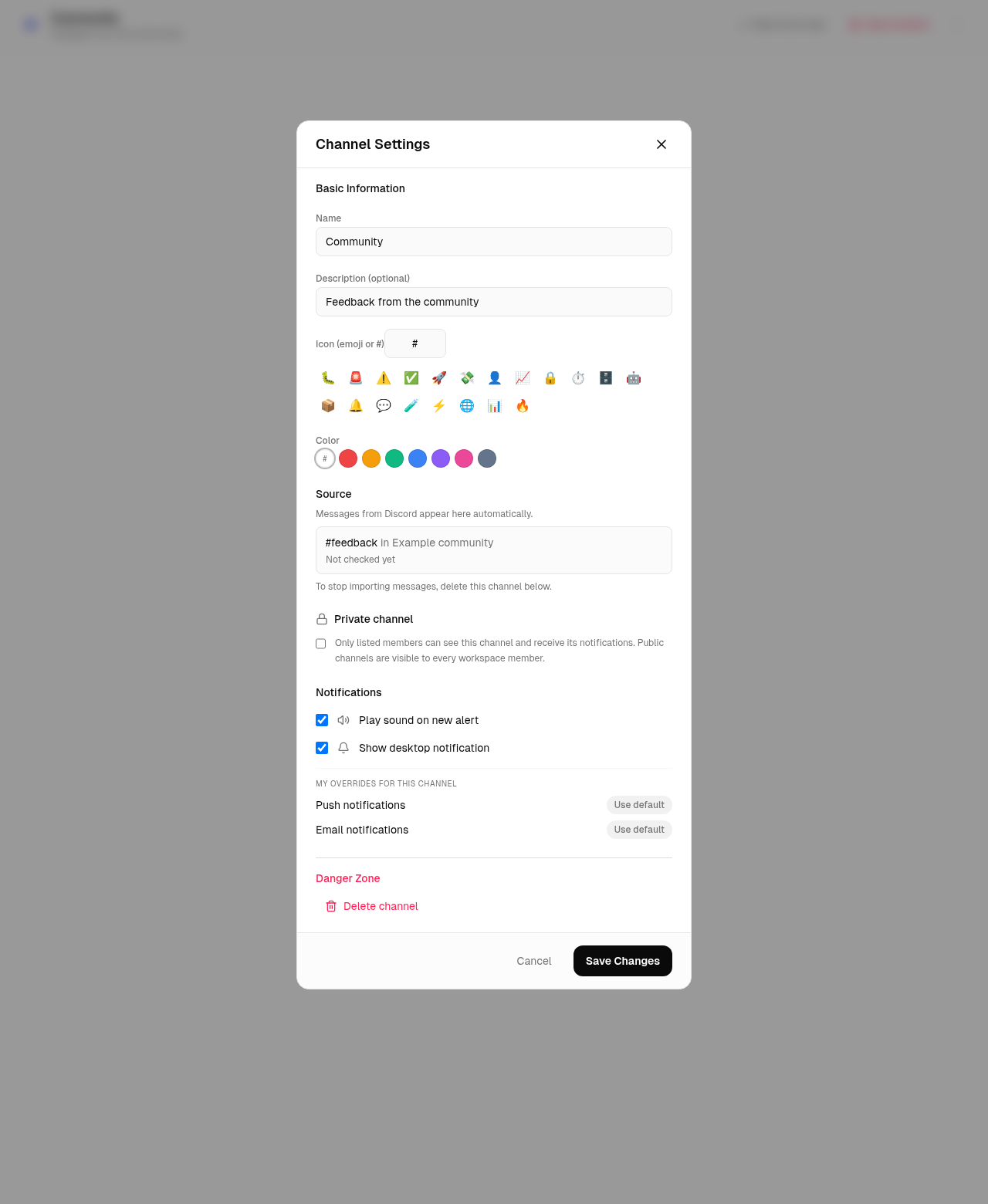
·Channel settings are simpler: the custom notification rules editor has been removed. Discord messages still appear in your feed.
Androidv1.5.0
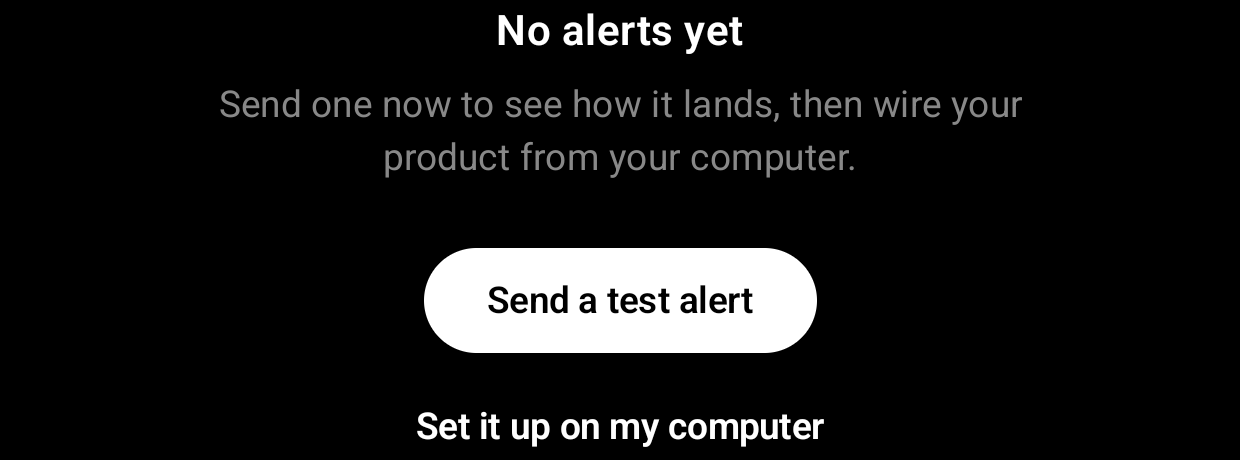
·An empty channel now offers the two things you actually need: send a test alert and watch it land, or share the setup link to the computer where your code lives.
·The test alert is a real event through your real webhook, so what you see is the product working, not a demo.
iOSv1.6.0
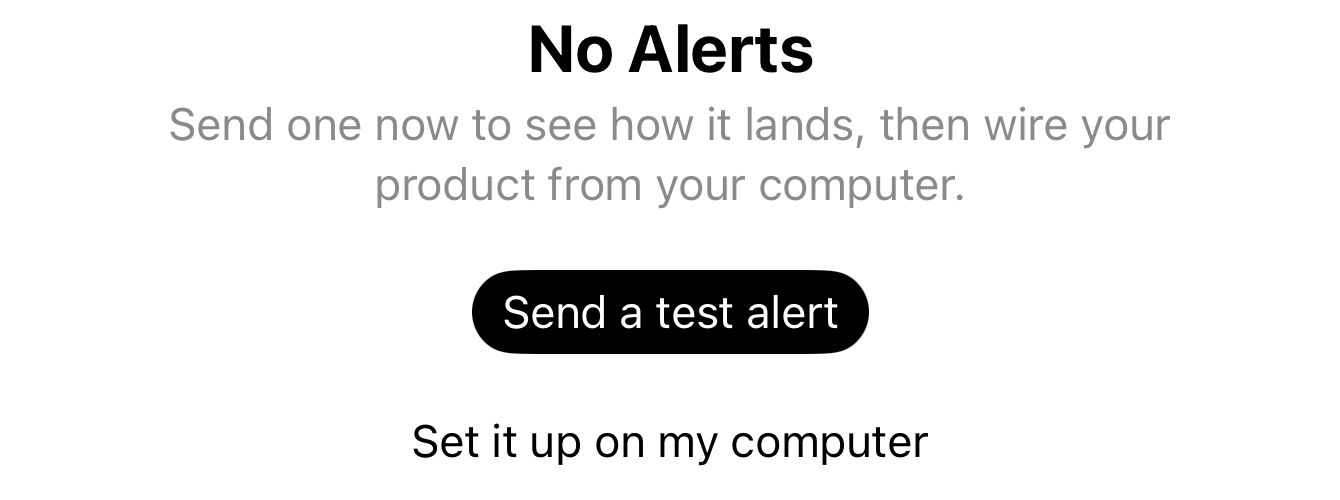
·An empty channel now offers the two things you actually need: send a test alert and watch it land, or share the setup link to the computer where your code lives.
·The test alert is a real event through your real webhook, so what you see is the product working, not a demo.
Web
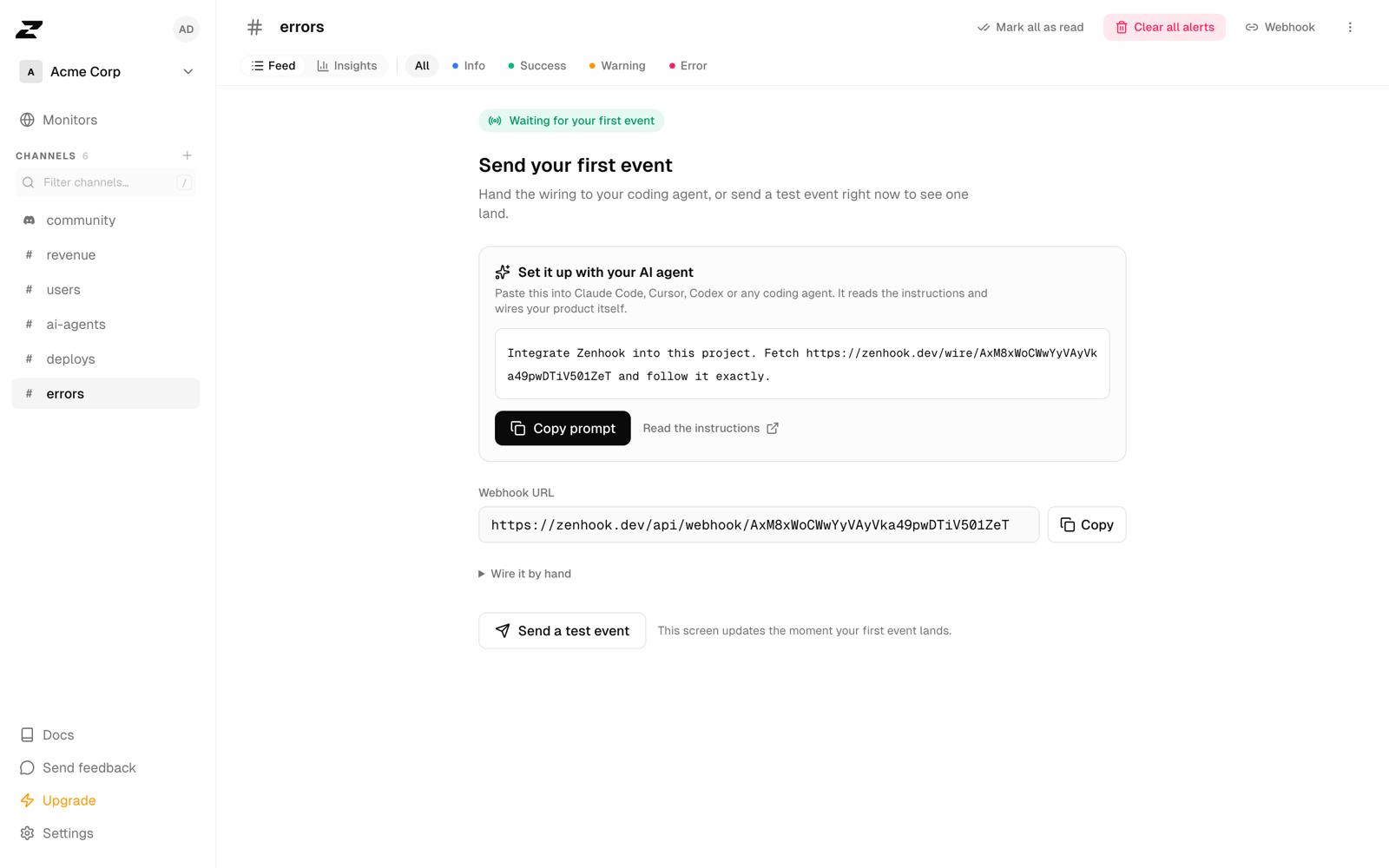
·A new channel now offers a prompt to paste into Claude Code, Cursor, Codex or any coding agent. It reads the instructions and wires your product itself.
·The cURL, Node and Python snippets are still there, one click away, for whoever prefers to write the call.
·A new monitor announces its first successful check instead of staying silent until something breaks.
·Your workspace now reports its own activation daily, so a week where nobody gets through is impossible to miss.
iOSv1.5.0
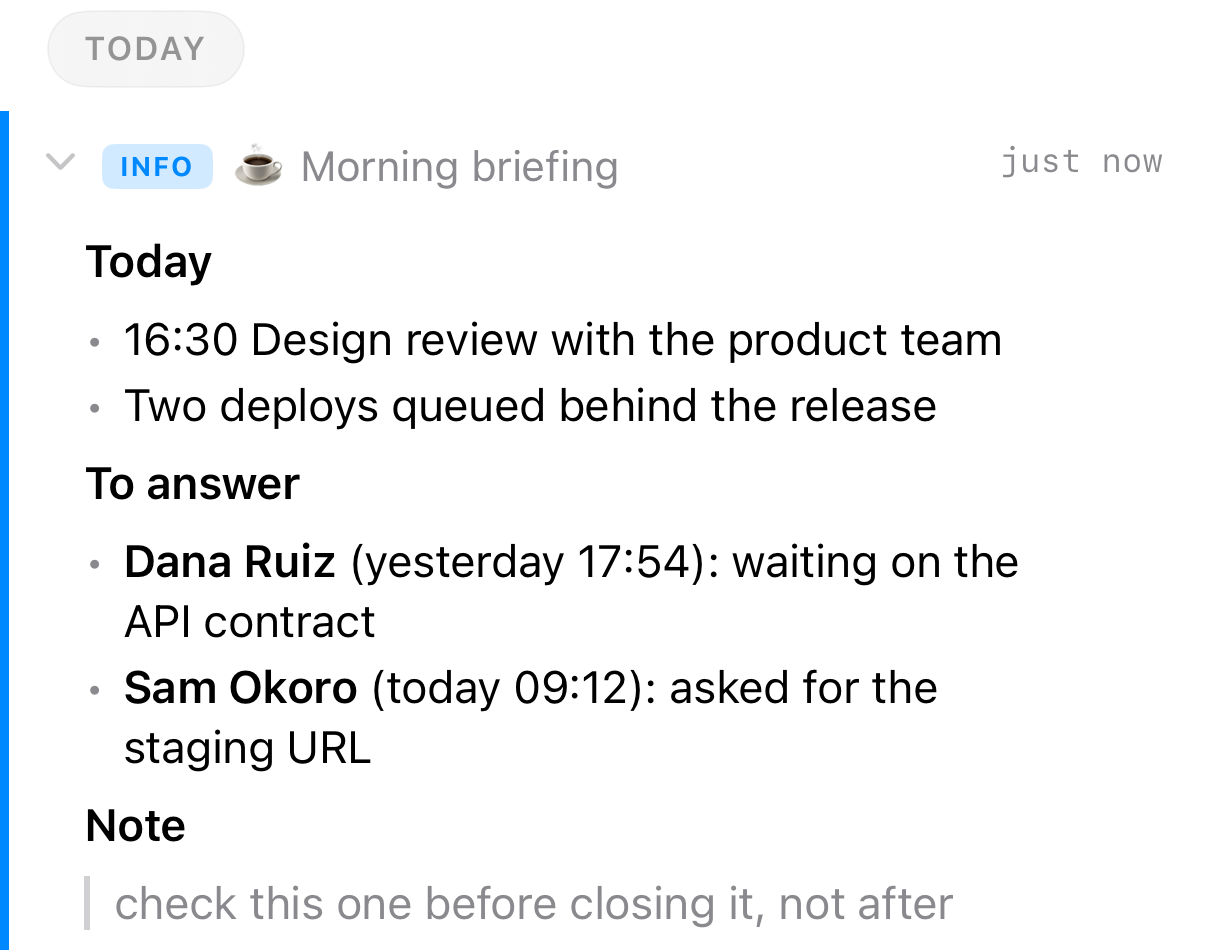
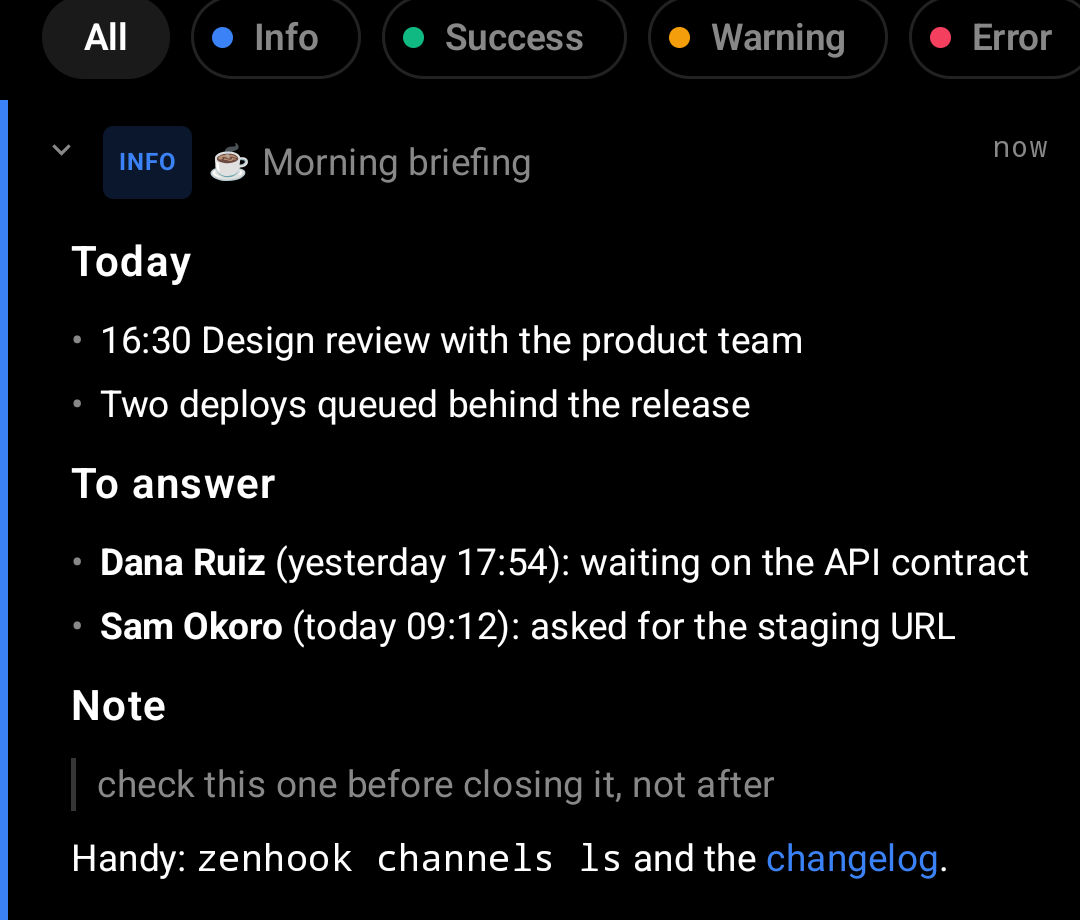
·An alert written in markdown now renders as it was written: headings, bold, italic, inline code, code blocks, lists, quotes and links.
·A notification shows the same text without the markup, so it always matches the card it opens.
·Monitors on the same host are no longer alike: the list carries the rest of the URL after the name, and a monitor checked over plain http says so.
Androidv1.4.0
·An alert written in markdown now renders as it was written: headings, bold, italic, inline code, code blocks, lists, quotes and links.
·A notification shows the same text without the markup, so it always matches the card it opens.
·Monitors on the same host are no longer alike: the list carries the rest of the URL after the name, and a monitor checked over plain http says so.
Web
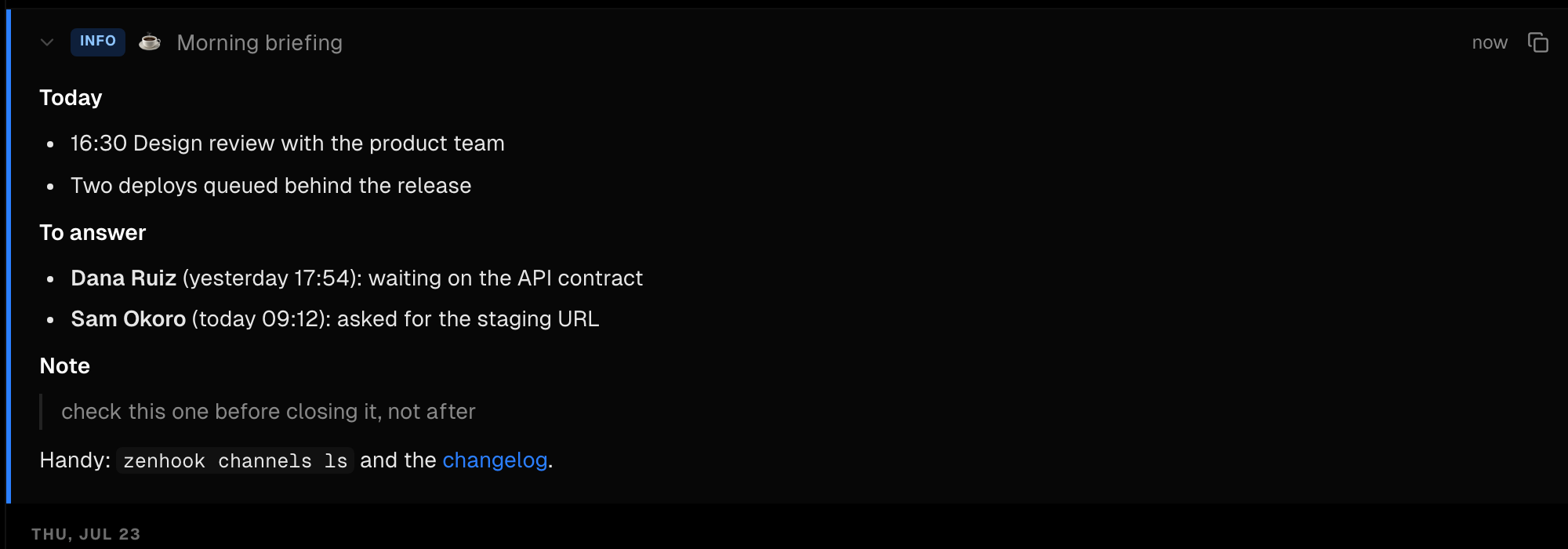
·An alert written in markdown now renders as it was written: headings, bold, italic, inline code, code blocks, lists, quotes and links. Long agent-written alerts stop arriving as a wall of ## and **.
·The collapsed row and the push notification show the same text without the markup, so a notification always matches the card it opens.
Web
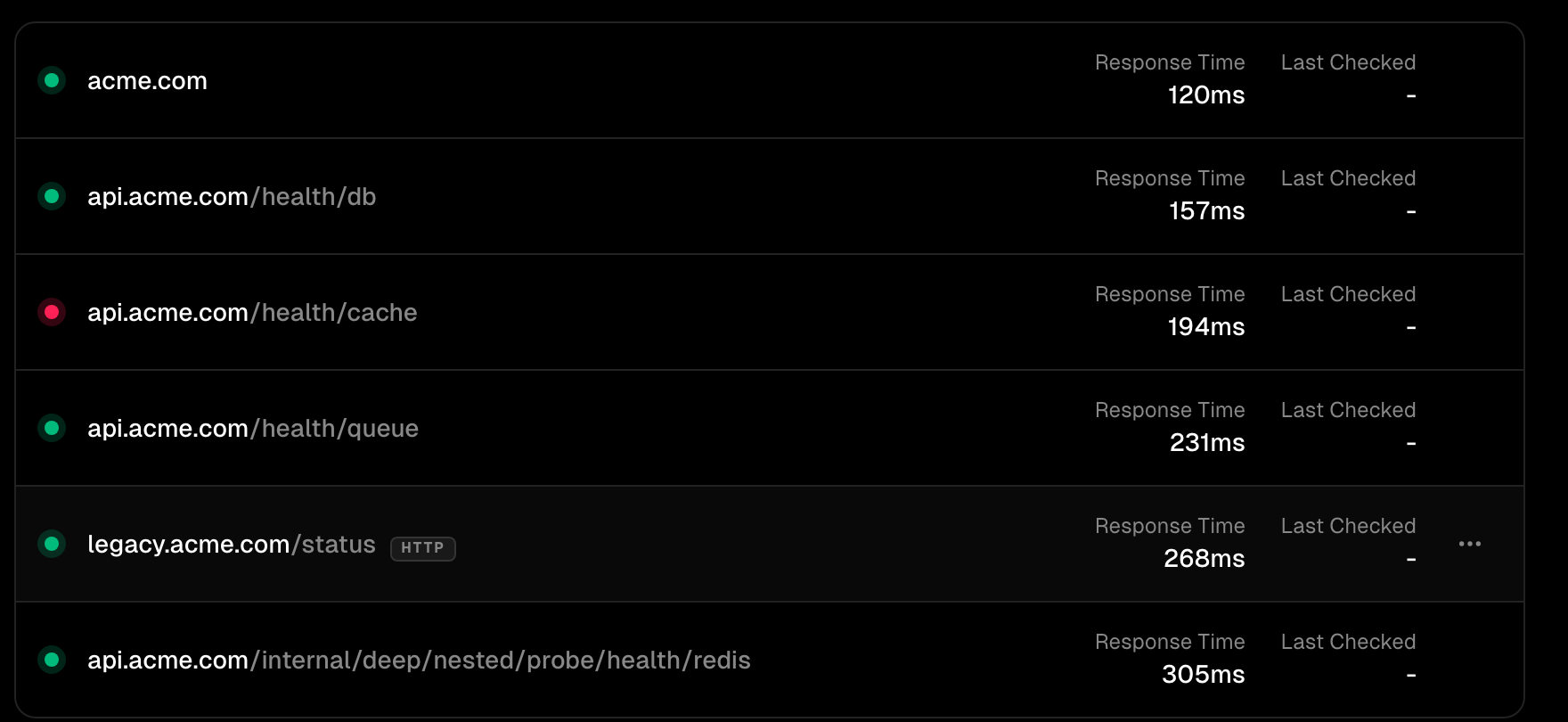
·Monitors on the same host no longer look alike. The list now carries the rest of the URL after the name, so /health/db, /health/cache and /health/queue read as three different checks.
·A long path keeps its end, which is the part that identifies the check, instead of being cut there.
·A monitor checked over plain http now says so. https stays implicit.
Web
·You can now attach a file by putting its bytes straight in the JSON, in attachments[].data. For senders that cannot post a form: Zapier, n8n, Make, any tool that only speaks JSON.
·A new page collects everything about attaching files: the two ways in, the formats, the size limits, and what we do to your file once we have it.
iOSv1.4.0
·Zenhook now checks with Apple that your phone can really receive an alert. If it stops accepting them, the app says so and reconnects it in one tap.
·Alerts start arriving from your very first minute, quietly, so you can decide to keep them from a real notification rather than a prompt.
·The workspace you are in is named at the top of every screen, and the switcher shows unread counts per workspace.
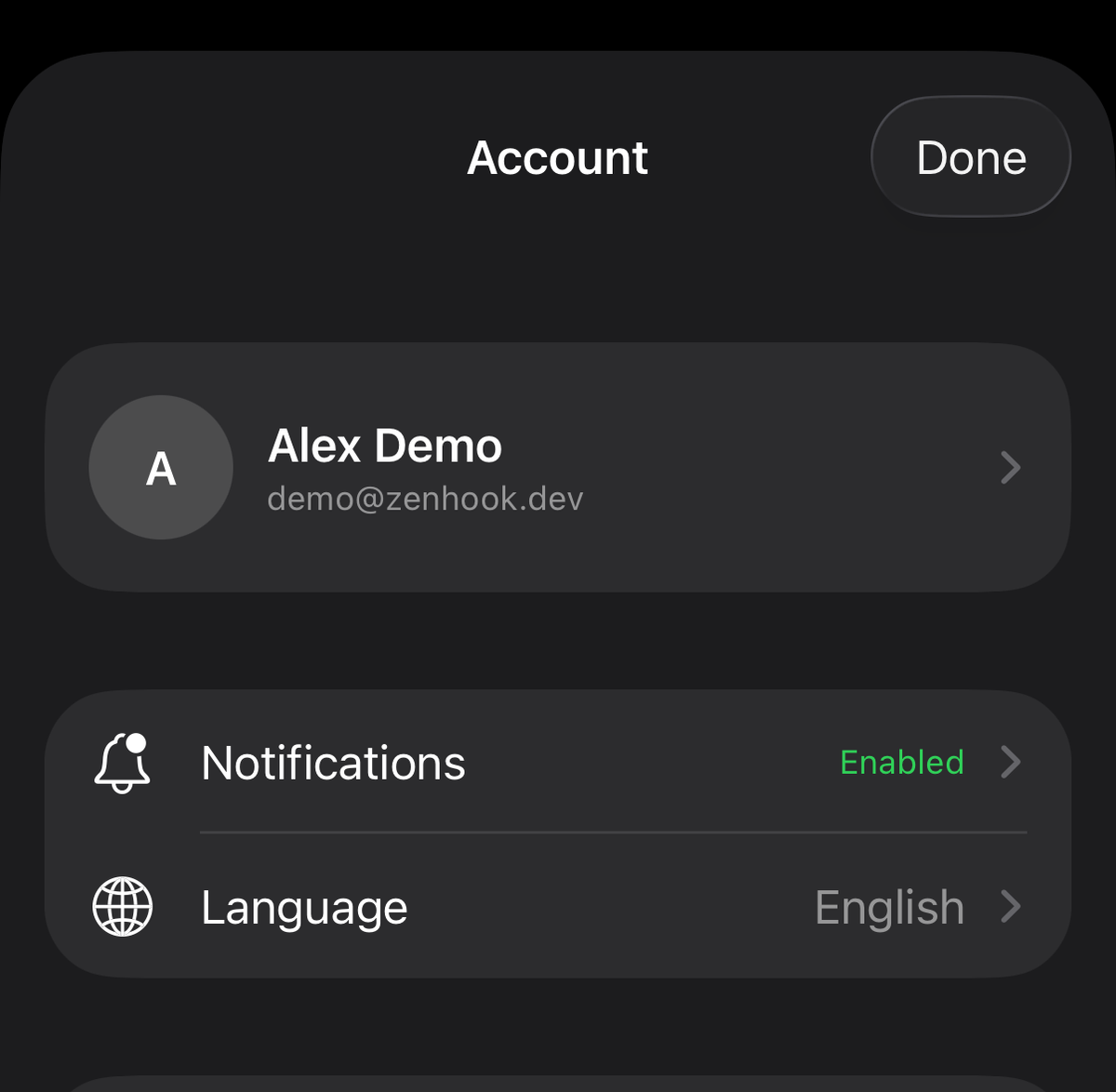
·Settings split in two: your account behind your picture, top right, and the workspace tab for the workspace itself.
Androidv1.3.0
·Zenhook now checks with Google that your phone can really receive an alert. If it stops accepting them, the app says so and reconnects it in one tap.
·The workspace switcher shows unread counts per workspace, and the tabs carry their own.
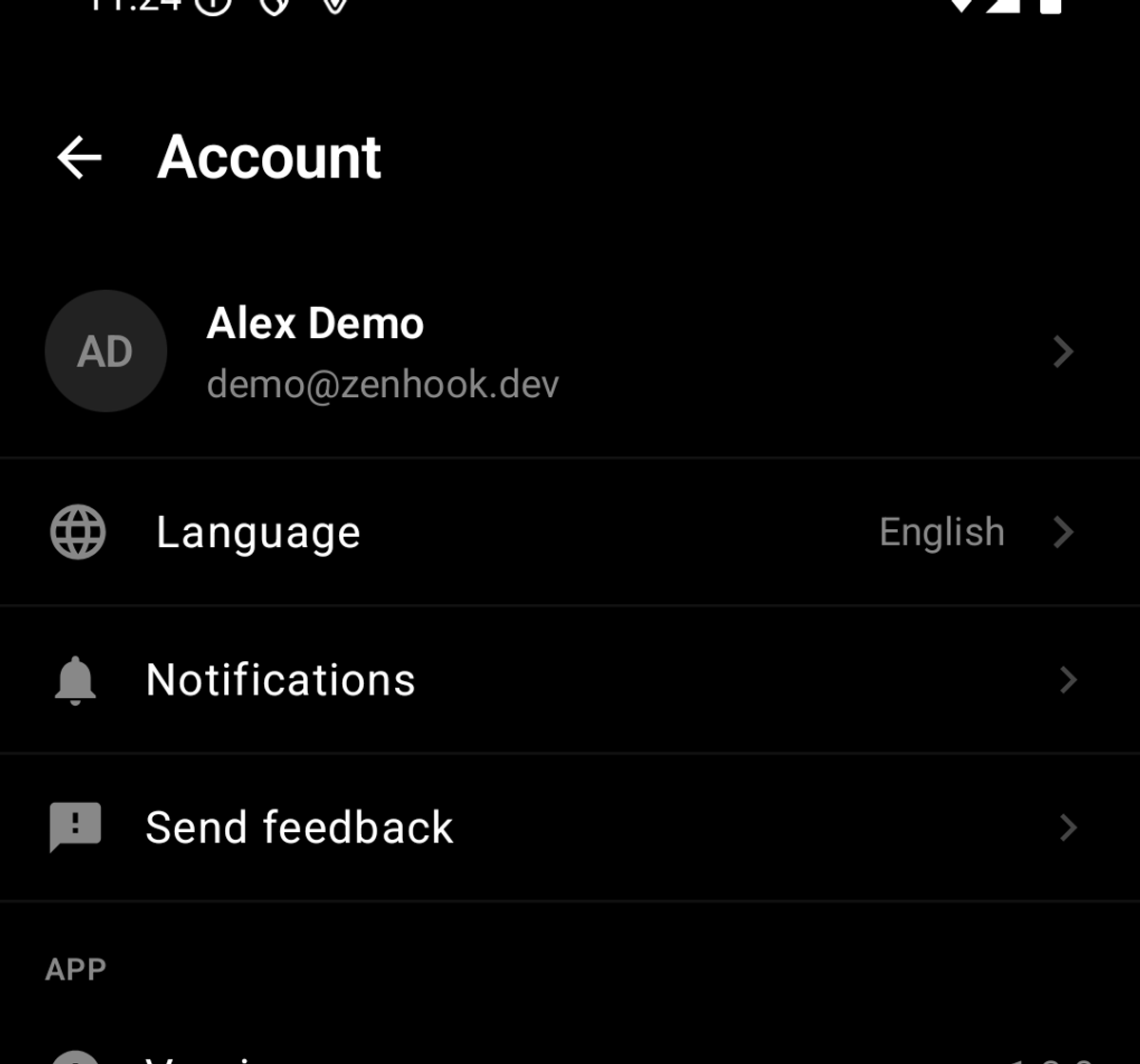
·Settings split in two: your account behind your picture, top right, and the workspace tab for the workspace itself.
·The app icon is centred properly on the home screen.
Web
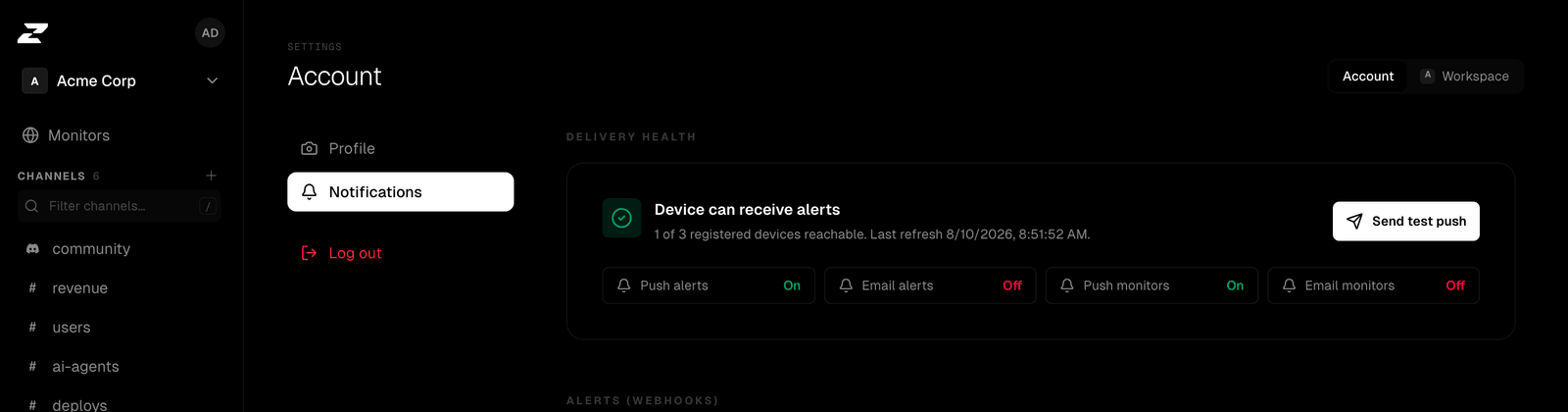
·Notification settings now tell you whether your phone can actually receive an alert. Zenhook asks Apple and Google directly instead of trusting that a device once registered.
·A device that stops accepting notifications is now named as such, so you find out before you miss an alert.
Androidv1.2.1
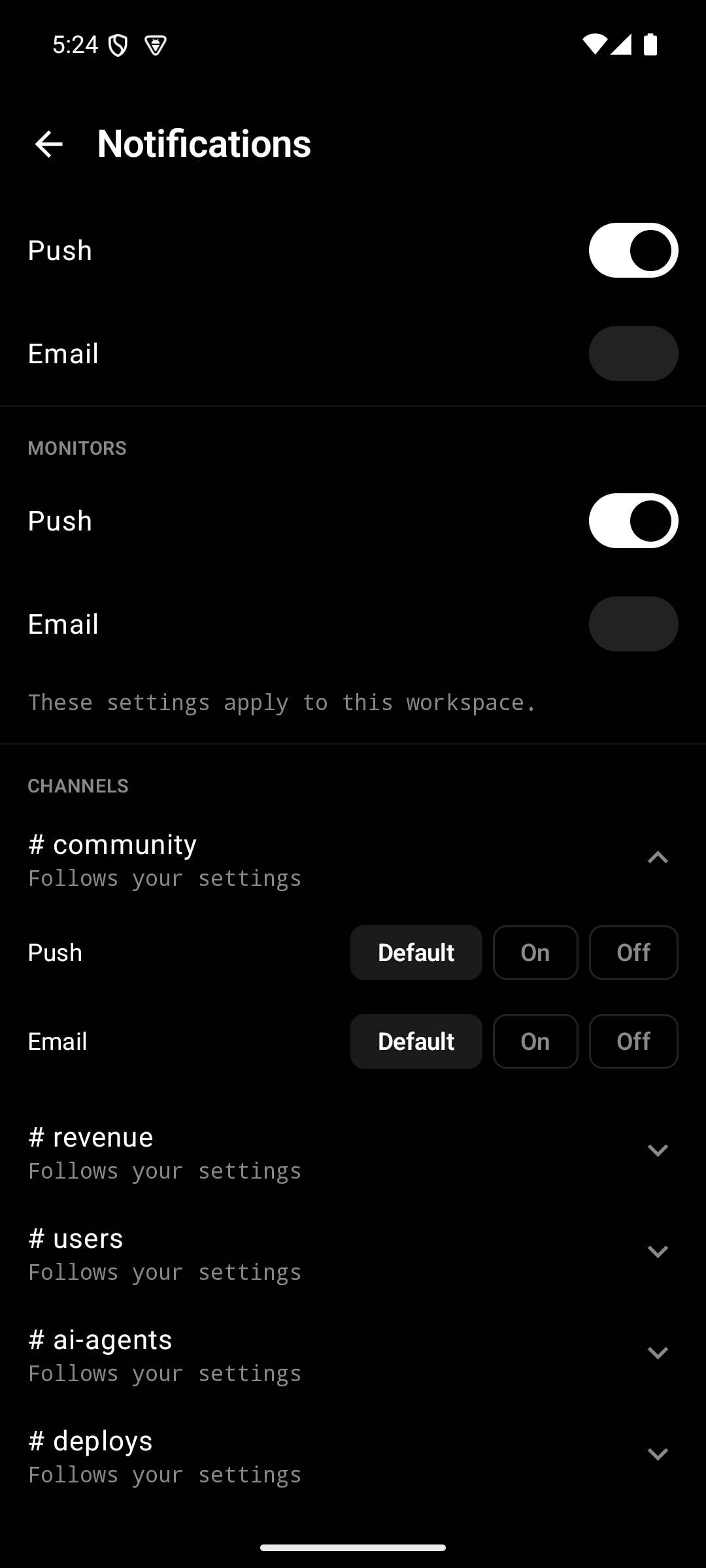
·The Notifications screen now lists every channel, each with its own push and email fine-tuning, and got lighter: monitor toggles appear only if you have monitors, diagnostics collapse when delivery is healthy.
·Long answer buttons no longer overflow the card.
·Top events can switch between 30 days and all time.
iOSv1.3.1
·The Notifications screen now lists every channel. Tap one to fine-tune its push and email, right where the rest of your settings live.
·The screen also got lighter: monitor toggles appear only if you have monitors, workspace overrides only if you have several workspaces, and diagnostics fold away when delivery is healthy.
·Long answer buttons no longer overflow the card.
·Insights gains an All time period for Top events.
Web
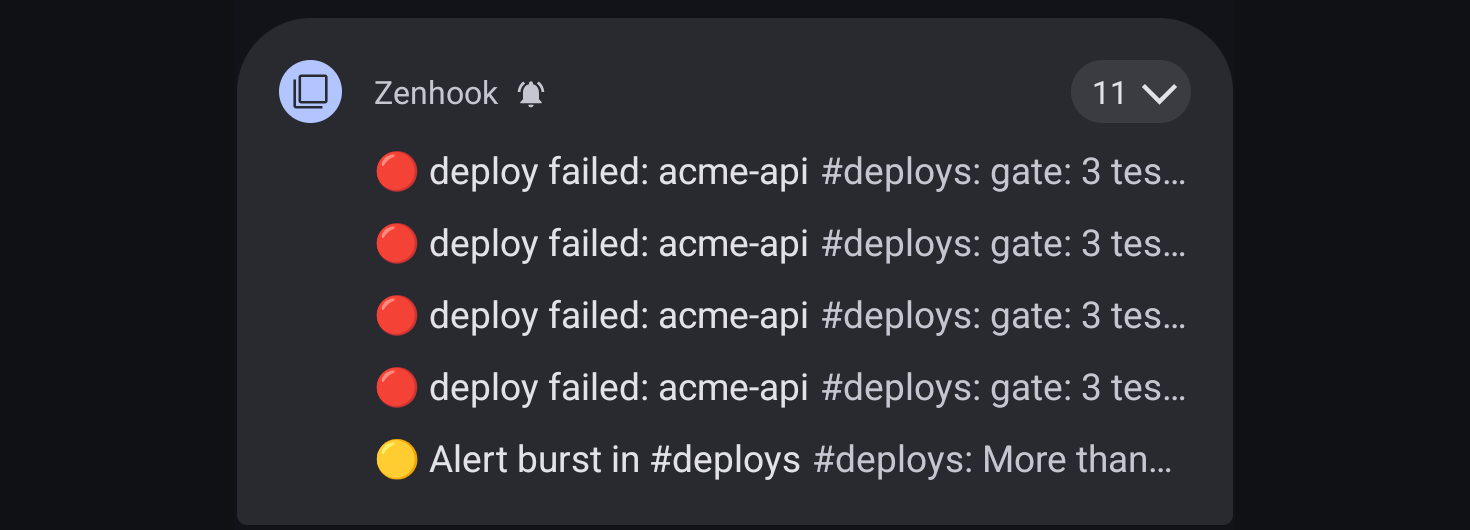
·Burst protection: when a sender goes haywire and posts a flood of alerts, your phone gets the first few, then one summary, then five minutes of quiet. The feed still receives everything.
·Applies per channel to push and email. A broken script can no longer wake you nineteen times in a minute.
iOSv1.3.0
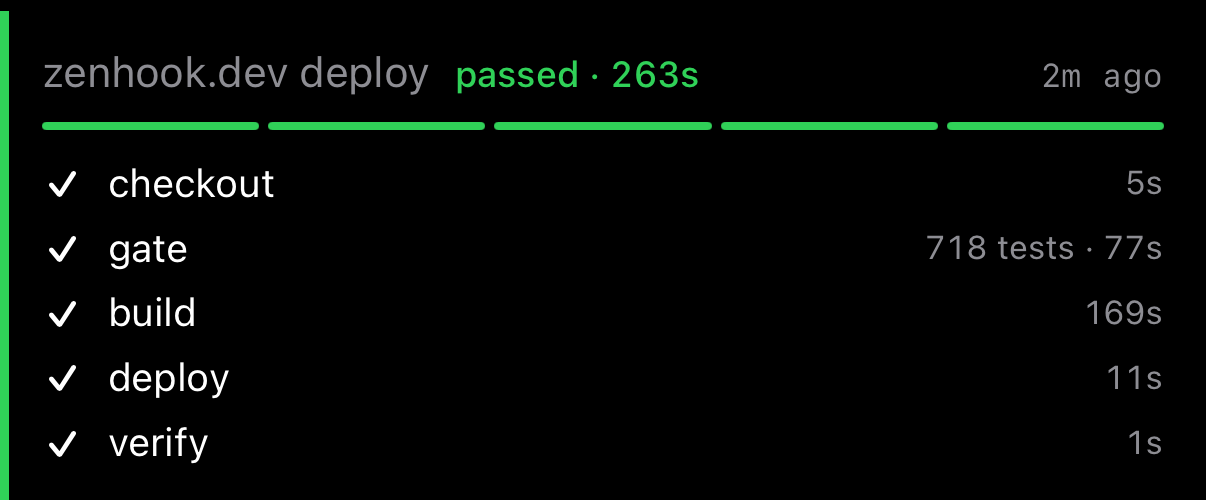
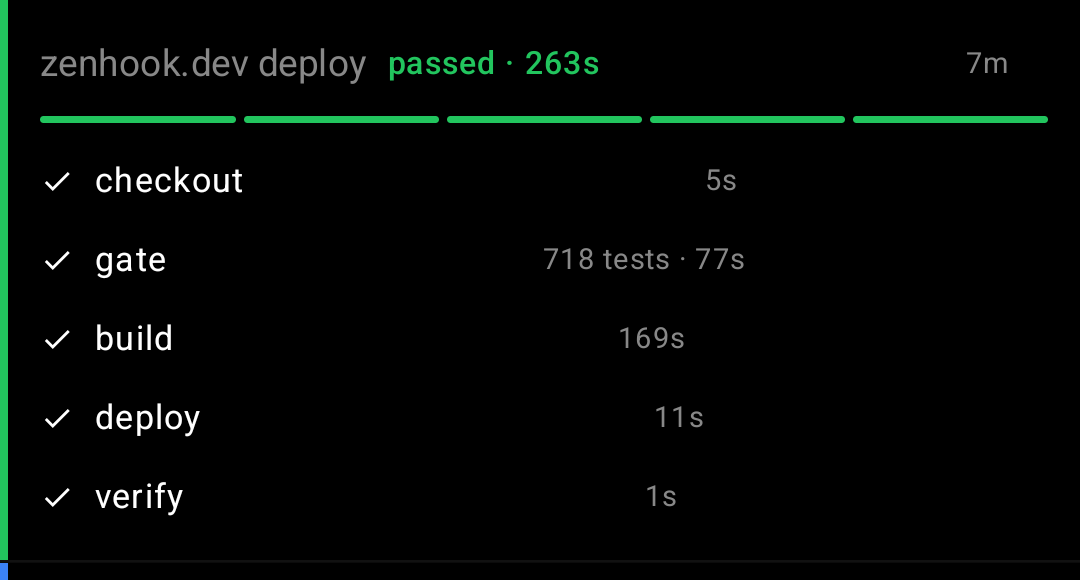
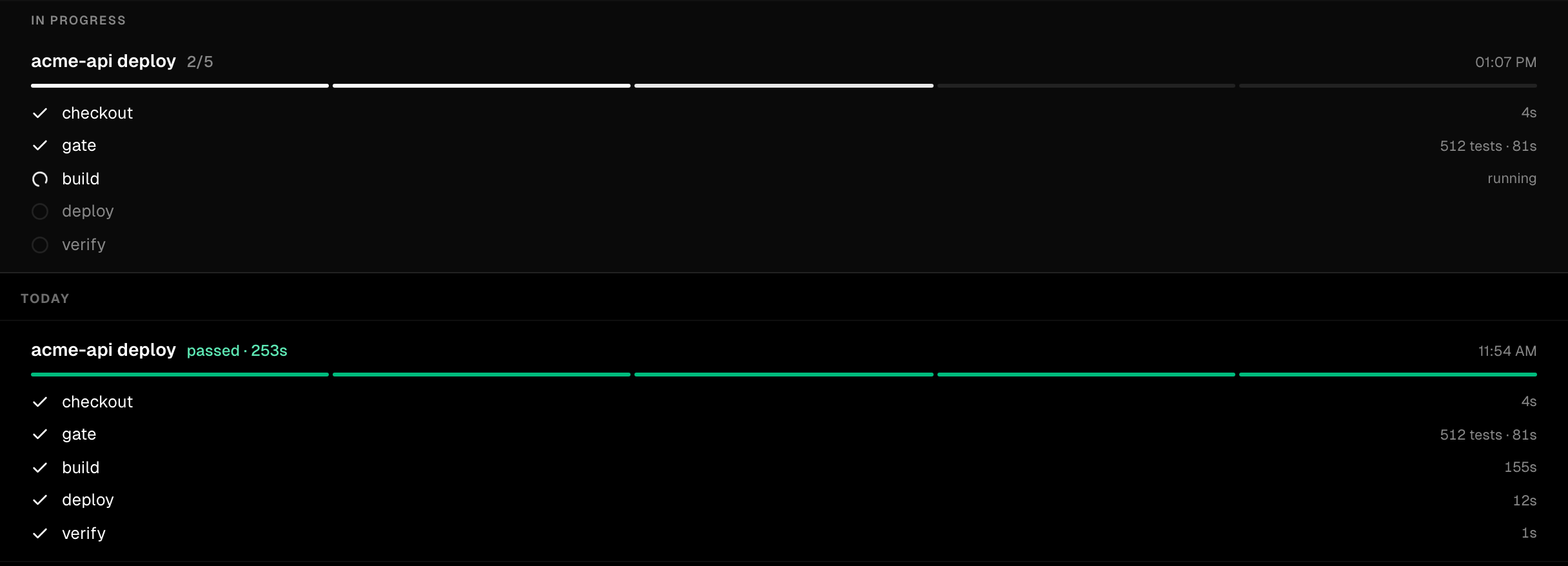
·Workflow notifications: a deploy or release is one card that fills in live, step by step, instead of five separate alerts. You are pinged at the start and once at the outcome.
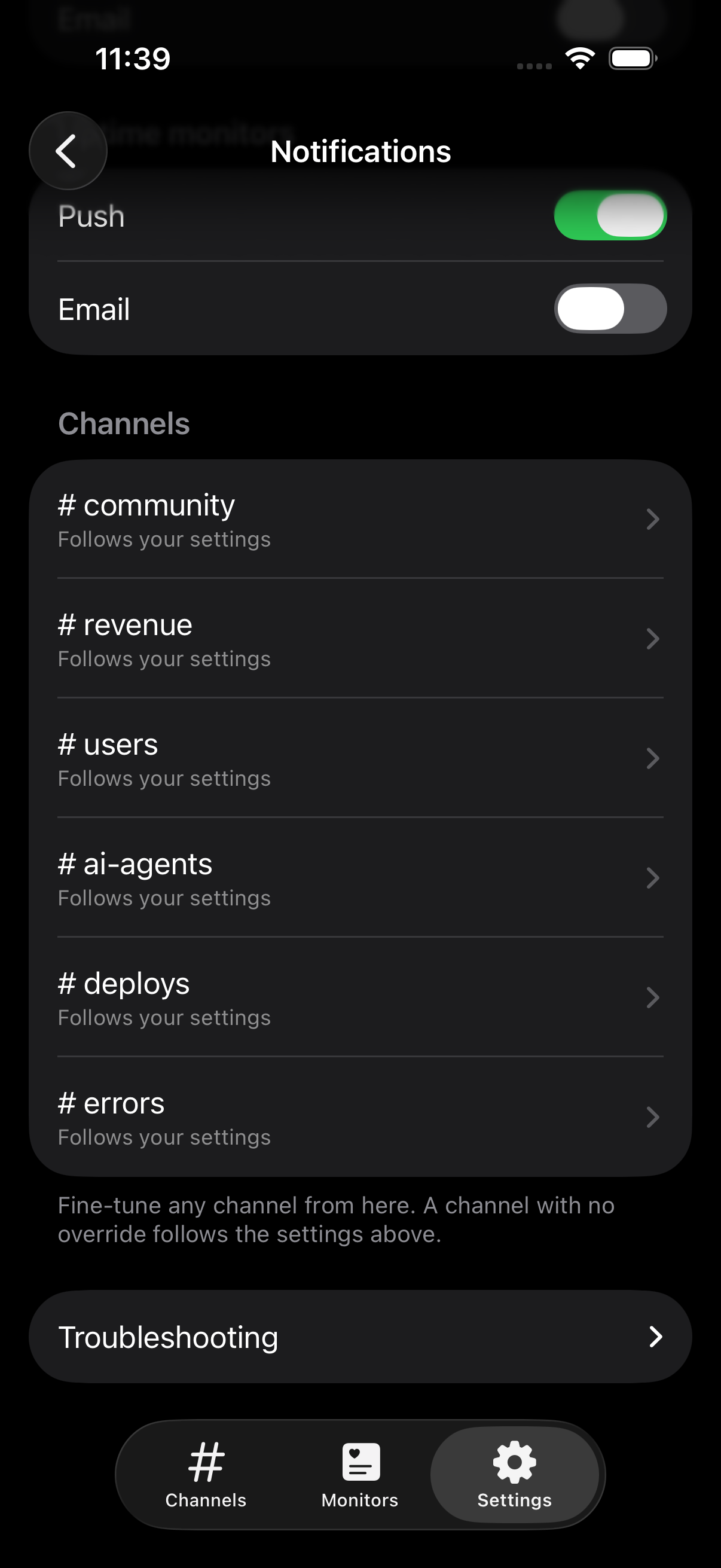
·All notification settings now live in one screen: account defaults, this workspace, and every channel where you set an exception, each with a one-tap reset.
·Switches show the native green when on. In dark mode they used to turn white and unreadable.
·Insights gains an All time total next to the 24h, 7 and 30 day counts.
Androidv1.2.0
·Workflow notifications: a deploy or release is one card that fills in live, step by step, instead of five separate alerts. You are pinged at the start and once at the outcome.
·Insights gains an All time total next to the 24h, 7 and 30 day counts.
·Under the hood: the app now targets Android 16.
Web
·Workflow notifications: a deploy or release is one card that fills in live, not five alerts. Same runId across webhook POSTs updates a single alert; you are pinged when it starts and once at the outcome, with silence in between.
·Failures carry the log tail on the card, and a finished run resurfaces as unread so the result you waited for cannot slide away.
·Code blocks in the docs and blog now have syntax highlighting and a copy button.
Web
·See what your API keys are doing. Settings then API activity shows every request made with a key: who, which key, and what they asked for.
·Handy when you hand a key to a script or an AI agent and want to know it is behaving.
·The API now takes a channel name where it used to demand an id, so reading a channel is one call: /api/channels/deploys/alerts.
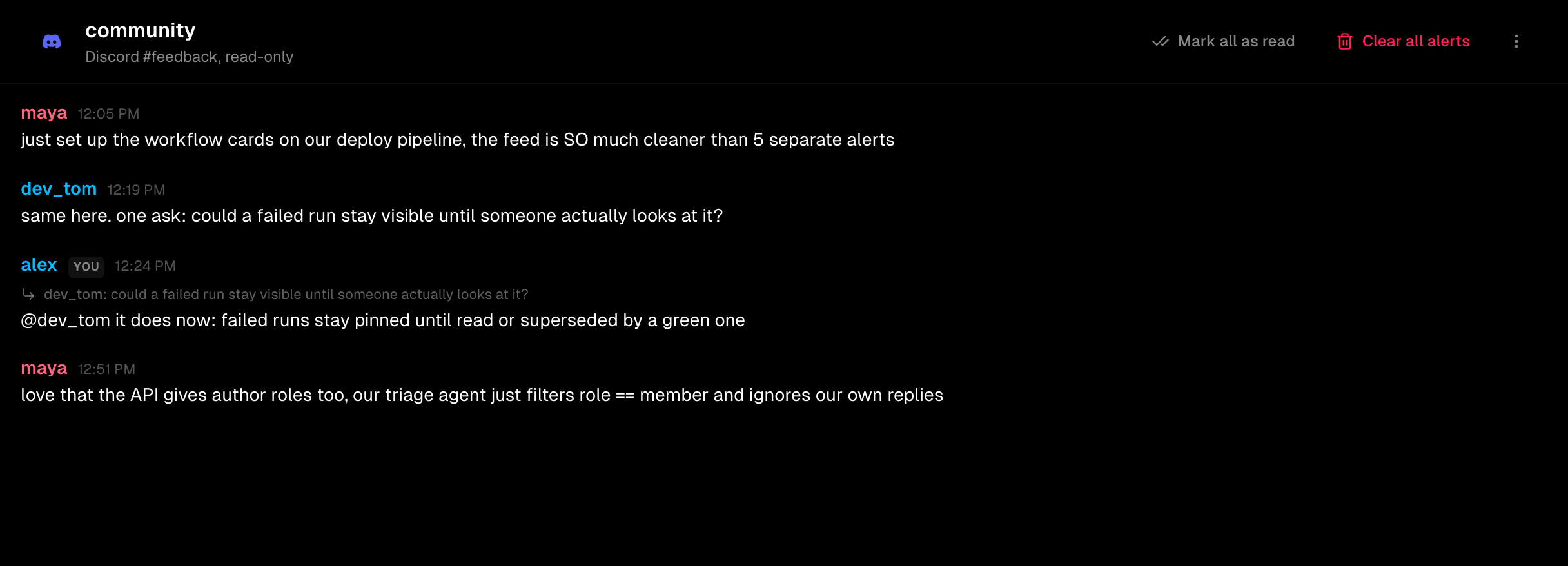
·Connect a Discord channel and read it in Zenhook. Pick a server, pick a channel, and its messages appear here. Zenhook only ever reads: it has no permission to post in your server.
·A connected channel is silent by default, so a busy community never floods your phone. Add a word like crash or refund and only matching messages reach you.
·Built for AI: ask the API for a channel and you get who wrote each message, what they were replying to, and whether they are a member or the person running the server, so an agent gathering feedback can ignore your own replies.
iOSv1.2.2
·Email notifications now live in one place: Settings → Notifications. Turn them off for a whole workspace, or for a single channel, and see what you actually receive.
·The Email switch on each channel is gone. Sound and desktop stay where they are.
Androidv1.1.2
·Email notifications now live in one place: Settings then Notifications. Turn them off for a whole workspace, or for a single channel, and see what you actually receive.
·The Email switch on each channel is gone. Sound and desktop stay where they are.
Web
·Turn email off for a whole workspace in one place, instead of channel by channel: Settings → Workspace → Notifications.
·See what you actually receive at a glance, plus every channel where you set an exception, and reset any of them in one click.
·Admins can set the notification default for a workspace. It applies to everyone who hasn't chosen for themselves, and anyone can still override it.
·Every alert and monitor email now carries an unsubscribe link, and your mail app's own Unsubscribe button works too.
Web
·Send files straight to a webhook: attach a screenshot, a log, or a recording to any alert without hosting it somewhere first.
·iPhone photos now render inline: HEIC images sent to a webhook show up in the alert instead of being dropped.
·Stay signed in on every device: using Zenhook on your laptop no longer logs you out on your phone.
·Answer an Ask in one tap from your phone: approve or reject right on the alert, no need to open it (iOS and Android).
iOSv1.2.1
·Answer without opening the alert: when a question needs your decision, the action now sits right on the alert row.
Androidv1.1.1
·Answer without opening the alert: when a question needs your decision, the action now sits right on the alert row.
·Channel badges now clear reliably as you read alerts, including decisions made directly from a notification.
·More room for what matters: removed the duplicated space above the app content.
Web
·New Ask API: human approval as a single HTTP call. Your script or CI job POSTs a question with actions, Zenhook pages the channel, a human taps an action, and the held HTTP call returns their answer. First answer wins, expiry never fabricates one, every decision is audited.
·Blocking, polling, and callback modes: hold the request until answered, loop on a long-poll URL, or get the outcome POSTed to your endpoint.
·New docs: the full Ask API reference, including a one-tap deployment approval example.
·Free includes 25 asks per month; Pro raises it to 1,000.
iOSv1.2.0
·Alerts now show their media. Images, video, and audio sent with a webhook appear right inside the alert: a screenshot of the failure, a screen recording, a voice note.
·New per-channel Insights: events per day, events per hour, and your top events, so trends (signups, bugs, payments) stand out at a glance.
·Channel colors land on iOS: the same palette as the web, so each channel stands out in your list.
·Pick a channel's emoji from 20 dev-themed presets in channel settings.
·Filter any channel feed by level: Info, Success, Warning, or Error.
·Attach a screenshot to your feedback.
Androidv1.1.0
·Alerts now show their media. Images, video, and audio sent with a webhook appear right inside the alert: a screenshot of the failure, a screen recording, a voice note.
·New per-channel Insights: events per day, events per hour, and your top events, so trends (signups, bugs, payments) stand out at a glance.
Web
·Team invites now show their real delivery status. The Members list tells you whether each invitation actually reached the inbox or failed to arrive, so you're never left guessing whether a teammate got it.
Web
·Alerts can now carry media. Add images, video, or audio to any webhook and they show up right inside the alert: a screenshot of the failure, a screen recording, a voice note.
·Just include an "attachments" array of URLs in your webhook payload. Zenhook hosts the files for you, so they load fast and your source links stay private.
Web
·New per-channel Insights view: events per day over 30 days, events per hour, and your top events. Trends (signups, bugs, payments) at a glance.
·Attach a screenshot to your feedback, pick a file or just paste it.
·Filter any channel feed by level: one tap on Info, Success, Warning, or Error.
·Pick a channel's emoji from 20 dev-themed presets (bugs, deploys, payments...) right in channel settings.
·The channel menu is now the same everywhere. Sidebar or channel header: mark all as read, copy webhook URL, settings, clear alerts, delete.
Androidv1.0.7
·Channel colors land on Android: the same palette as the web, so each channel stands out in your list.
·Pick a channel's emoji from 20 dev-themed presets in channel settings.
·Filter any channel feed by level: Info, Success, Warning, or Error.
·Attach a screenshot to your feedback.
Androidv1.0.5
·Your workspaces are now always listed in Settings, switch with one tap, and the PRO badge shows where you stand.
·Create a new workspace right from the app.
Web
·Clearer settings: a switch separates your account (profile, notifications) from your workspace (general, members, billing), so you always know which one you're changing. Settings now opens on the workspace.
·Pro workspaces now wear a PRO badge in the workspace switcher and settings.
Web
·Give each channel its own emoji and color, so the right feed (errors, payments, deploys) stands out at a glance in the sidebar.
Android
·Native Android app, now fully in English and French, channels, alerts, uptime monitors, and push, mirroring iOS.
·Clearer uptime monitor setup, and quicker access to each channel's settings.
Web
·New docs: a quick guide to uptime monitors, what they check, and how they differ from webhooks.
Web
·Sign in with Google, Apple, or a password, all linked to one account.